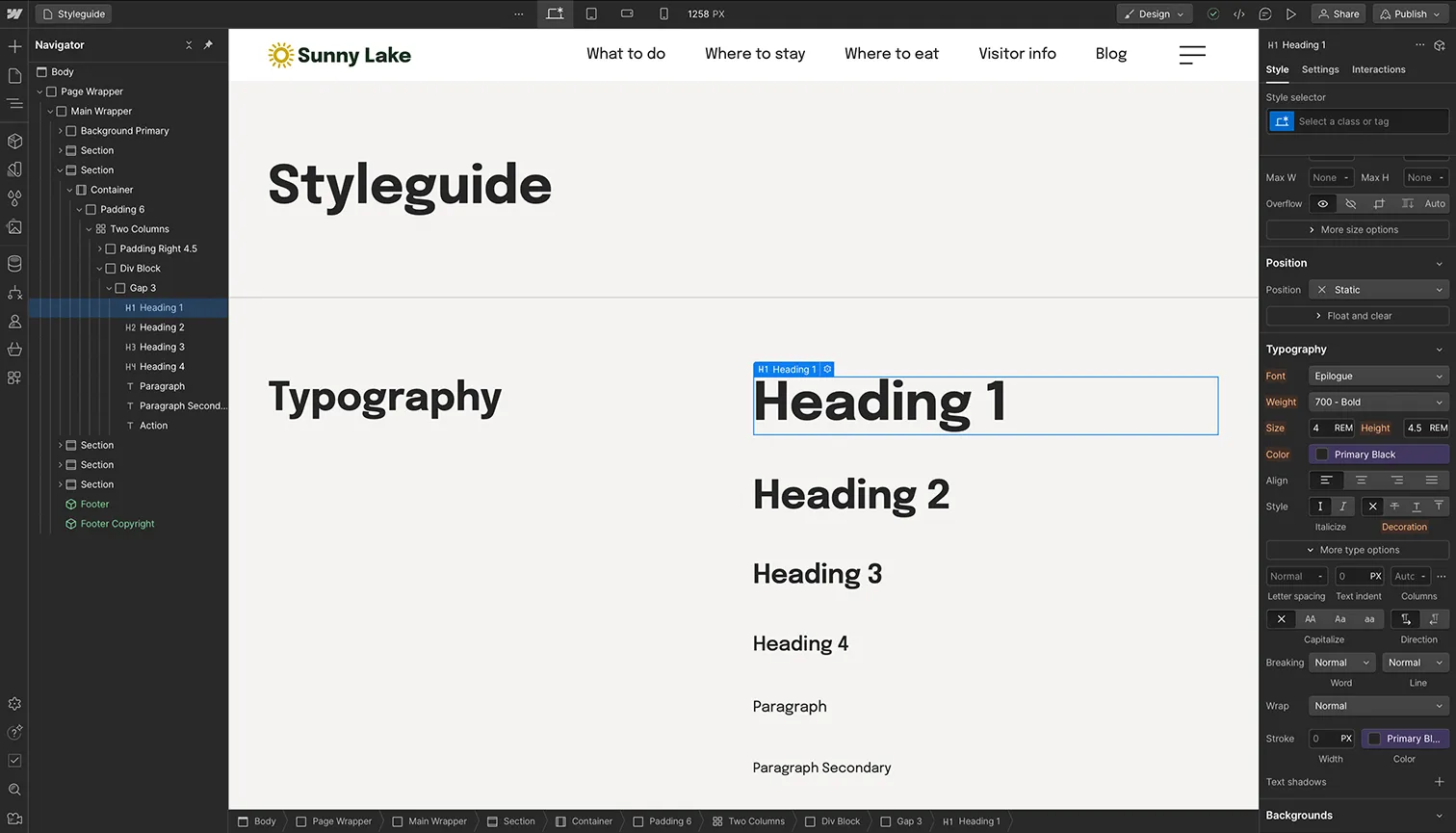
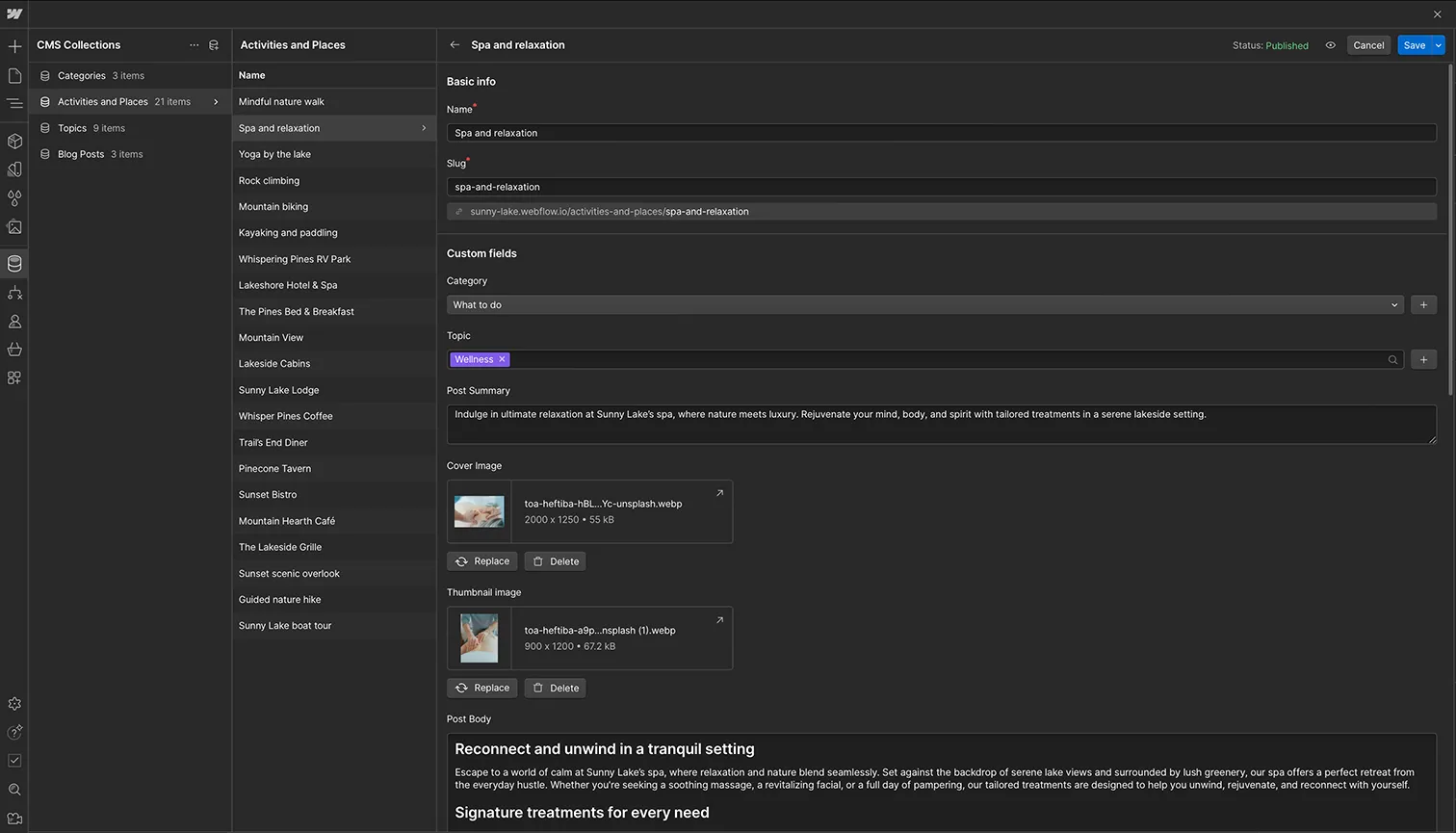
This page contains notes for maintaining PowerByte’s website in Webflow. Service pages, project articles and the product range use the site’s CMS collections; keep each entry aligned with PowerByte’s electrical, generator, controls and telecommunications work.Services,Products, and Industries, are connected to the CMS collection titled Activities and Places.
Add a new service entry
- Create a new item in the Activities and Places collection.
- Select the most relevant service category, such as generator systems, control systems, telecommunications infrastructure or electrical engineering.
- Once published, the new entry will automatically appear on the relevant page.
Navigation Bar
The menu items in the Nav Menu are connected to the CMS. To update these names, simply change the relevant topic names in the CMS.
Design System and Reusable Components
Color customization
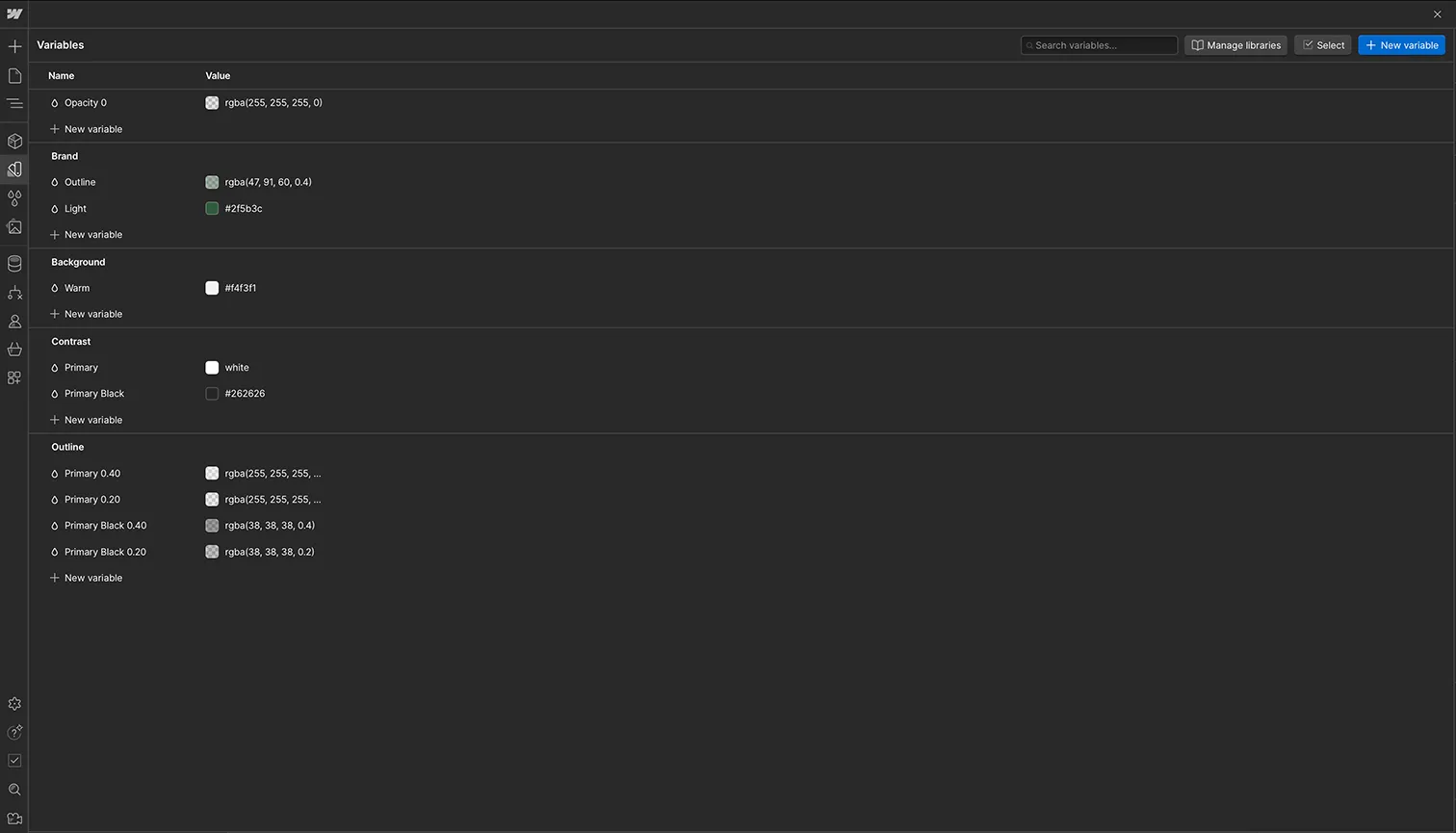
Easily customize the primary, secondary, and additional color palettes using Webflow's Variables feature, which simplifies managing your site's color schemes.
Typography settings
You can adjust font styles, sizes, and weights for headers, body text, and other text elements to match your desired look and feel.